A floor plan shows a closed door when its wireless sensor stops reporting. The image is tidy, but the conclusion is wrong. A useful building visualization must distinguish an observed condition from a missing observation, whether it uses a 2D plan or a 3D house.
Start with the entity, not the color
Map a component to a stable entity ID such as light.office, not to its friendly name. Friendly names can change and may not be unique. For each mapping, define the expected domain, supported states, attributes, units and availability policy.
Home Assistant keeps an entity’s state and attributes together. Its state-object documentation distinguishes unknown and unavailable from ordinary states. The first indicates no known value; the second indicates the entity cannot currently provide it. Neither should be interpreted as off or a measured zero.
Use a small display contract
For a room temperature, keep value, unit and quality together. An illustrative view model might be:
{
  "componentId": "room-office",
  "entityId": "sensor.office_temperature",
  "value": 21.5,
  "unit": "°C",
  "quality": "valid"
}
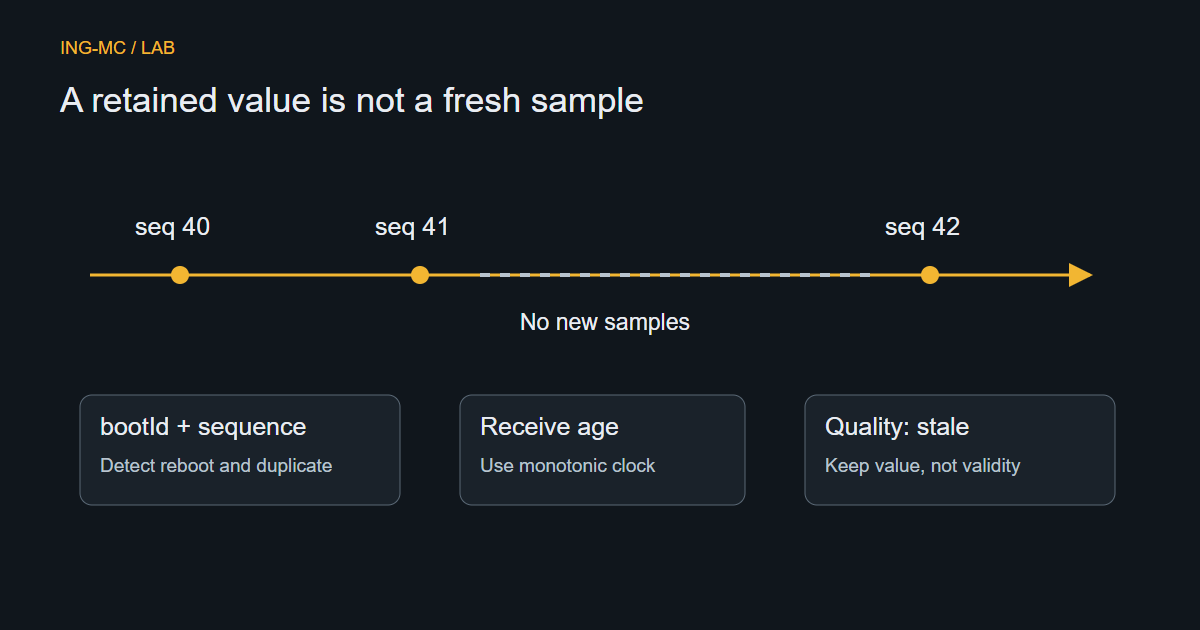
If the entity becomes unavailable, retain the previous value only if it is clearly labelled “Last reading.” Do not send 0 to the renderer as a placeholder: zero degrees is a real condition, not a missing-data marker.
Define explicit conversion when an integration uses another unit. Avoid applying the same color range to °C and °F. For a door sensor, verify the domain’s meaning and device class: a numeric input, lock state and opening sensor should not share a blind boolean conversion.
A stable value can still be recent
Home Assistant distinguishes the time a state changed from the time it was updated or reported. Do not use “last changed” alone to decide that an unchanged temperature is stale. The integration’s reporting behavior also matters: some devices publish only when values change.
Choose availability rules according to the integration, not one universal age limit. Battery sensors may report slowly; a frequently sampled power meter has a different expectation. If the data source already marks an entity unavailable, preserve that meaning rather than inferring a healthy state from a recently opened connection.
Keep observation and commands apart
A read-only visualization can show room states without exposing device control. If control is later approved, use a separate authorized service path and show requested, accepted and observed outcomes distinctly. Changing the visual state immediately after clicking a button does not prove that a physical lamp switched on.
Do not put a Home Assistant access token in public JavaScript or connect the public LAB to a private household instance. A future integration needs a reviewed server-side boundary and permissions. This guide does not publish a live building connection.
Check the awkward cases
Test off, on, unknown, unavailable, a missing entity, an unexpected state string and a unit change. Test changing only an attribute while the primary state remains unchanged. Show a readable text status as well as color so an unavailable reading remains recognizable without relying on hue.
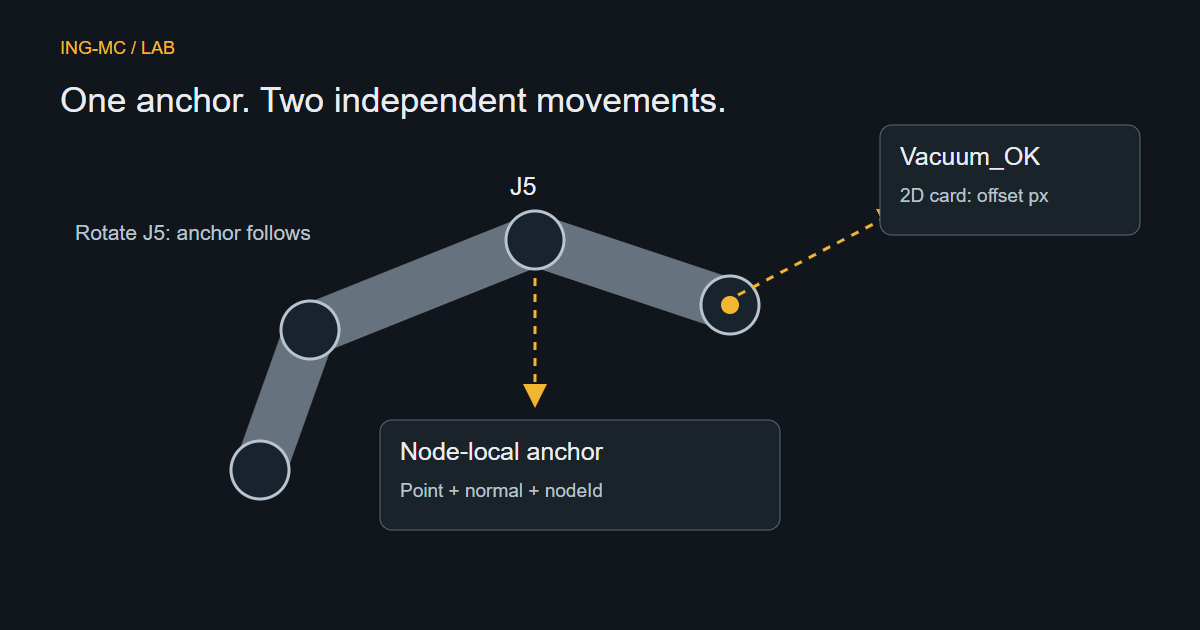
For a 3D scene, map a room or device to a stable component ID; move the label independently from its physical anchor. The annotation guide explains that separation. A compelling house render is useful only when the underlying state meaning remains accurate.