
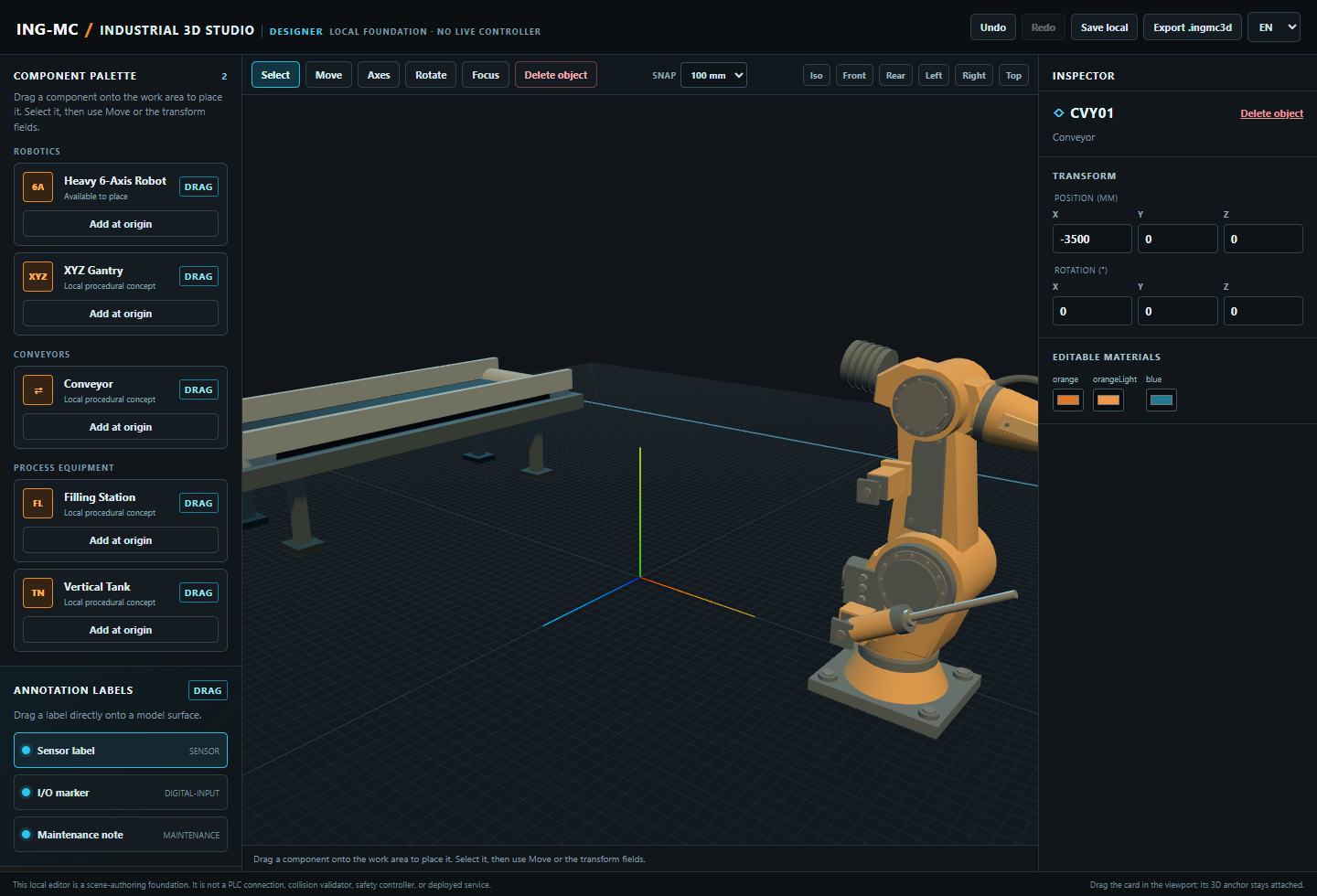
Industrial 3D Studio is a desktop environment for designing industrial scenes. Add equipment from the component library, arrange it in the work area, annotate key points, and export a versioned .ingmc3d scene.
Current authoring scope
- Place registered assets and arrange them in the work area.
- Move, rotate, duplicate, and remove scene objects.
- Attach annotations to model nodes or surfaces, then position each label independently.
- Save scenes in the browser and export versioned
.ingmc3dfiles. - Check a compatibility report before opening a scene in the native Runtime.
Scene files reference assets by catalog ID and version; they do not include GLB models. Anyone opening a scene needs the matching asset library.
Learn more about scene contents, asset libraries, and Ignition compatibility.
